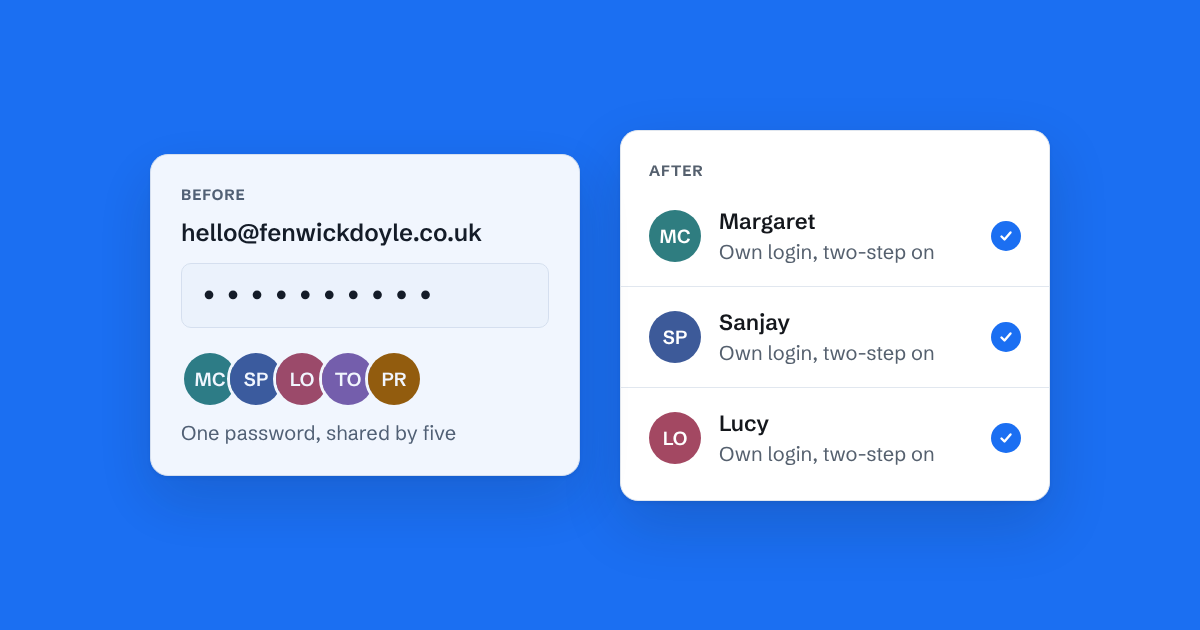
Most small teams handle their main email address the same way. Someone set up hello@ or info@ years ago, the password went on a sticky note or into a group chat, and everyone who needs to answer customers logs in as the same person.
It works, for a while. Then the team grows past two or three people, and the cracks start to show.
You can't tell who did what
When five people sign in as one, every email sent looks like it came from the same person. If a customer says "someone promised me a refund last week", there is no way to find out who. The sent folder holds the email, but not the name of the person who wrote it.
That matters most when something goes wrong. A rude reply, a wrong price, a promise nobody meant to make: with one shared login, nobody can be asked about it, and nobody can learn from it.
Two people answer the same email
Shared mailboxes have no idea that someone else is already typing. So two people open the same customer email, both write a reply, and the customer gets two answers. Sometimes they say different things.
The usual fix is a rule like "mark it read once you've dealt with it". But read means someone opened it, not someone answered it. Read emails get left unanswered because everyone assumes a colleague took care of them.
Changing the password is painful
When someone leaves, the password should change. In practice it often doesn't, because changing it means telling everyone else, updating every phone and laptop, and fixing whatever stops working.
So former staff keep access to customer email for months. If that inbox has invoices, contracts or personal details in it, that's a real risk to the business and to your customers. Under UK GDPR you're expected to keep personal data secure, and "everyone who ever worked here knows the password" is hard to defend.
Two-step sign-in doesn't fit
Two-step sign-in is the single best protection for an email account. But a shared login can only have one phone attached to it. Teams either turn it off, or pass codes around in a group chat, which defeats the point.
What to do instead
The goal is simple: everyone signs in as themselves, and the team still works from one address. Customers keep writing to hello@, and replies still come from hello@. Behind the scenes, each person has their own login.
There are a few ways to get there:
- A Google Group or Microsoft 365 shared mailbox. Free if you already pay for Google Workspace or Microsoft 365, and each person uses their own account. They don't show who is replying, and they still leave you guessing what's been answered.
- A helpdesk. Built for support teams handling a lot of tickets. Powerful, but usually priced per person, and it turns customer email into numbered tickets.
- A shared inbox. One place where the whole team reads and replies to the shared address, with their own login, and can see what's been answered.
We compare these in more detail in shared mailbox vs shared inbox, and there's a step-by-step guide to sharing a support inbox without the password.
Where Bosun fits
We built Bosun for exactly this moment: a small team that has outgrown a shared password but doesn't want a helpdesk. You forward a copy of your existing address to Bosun, invite your team, and everyone signs in as themselves. Your address doesn't change, and nothing moves away from your current email provider.
Whatever you choose, retire the shared password. It's the cheapest security improvement most small teams can make, and it ends a lot of "who replied to this?" conversations along the way.