Running a team inbox.
Short, practical pieces for small teams who share one email address. A new one most Tuesdays.
-
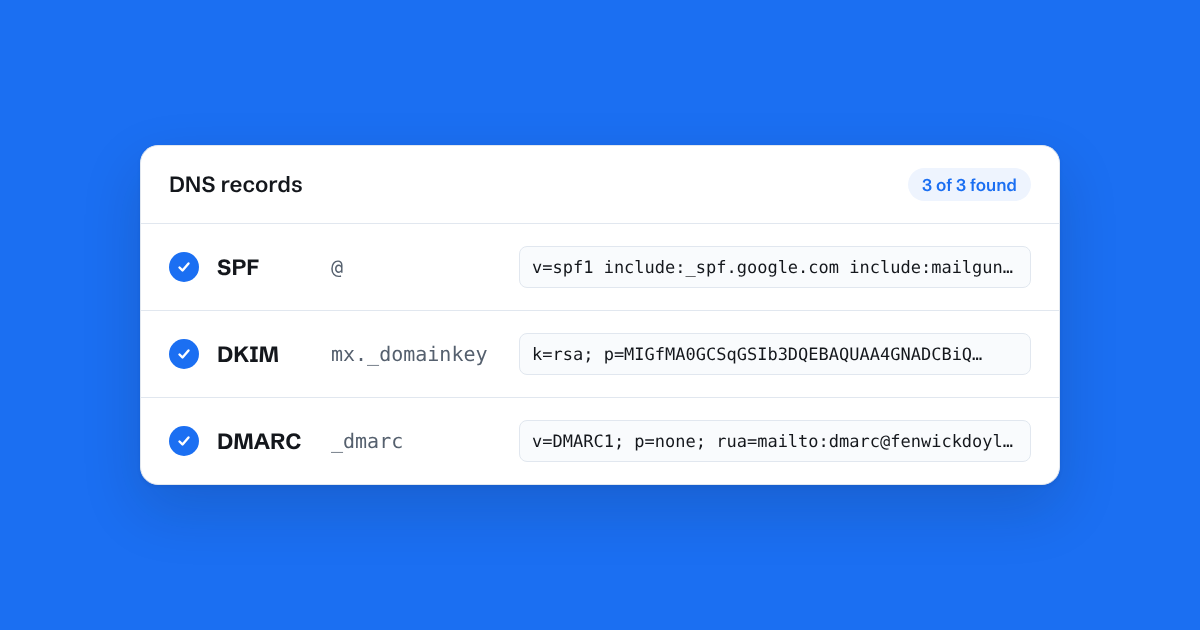
SPF, DKIM and DMARC, explained for small businesses
Three DNS records decide whether your email reaches inboxes or spam folders. What each one does, in plain English, and the mistakes that trip small teams up.
-
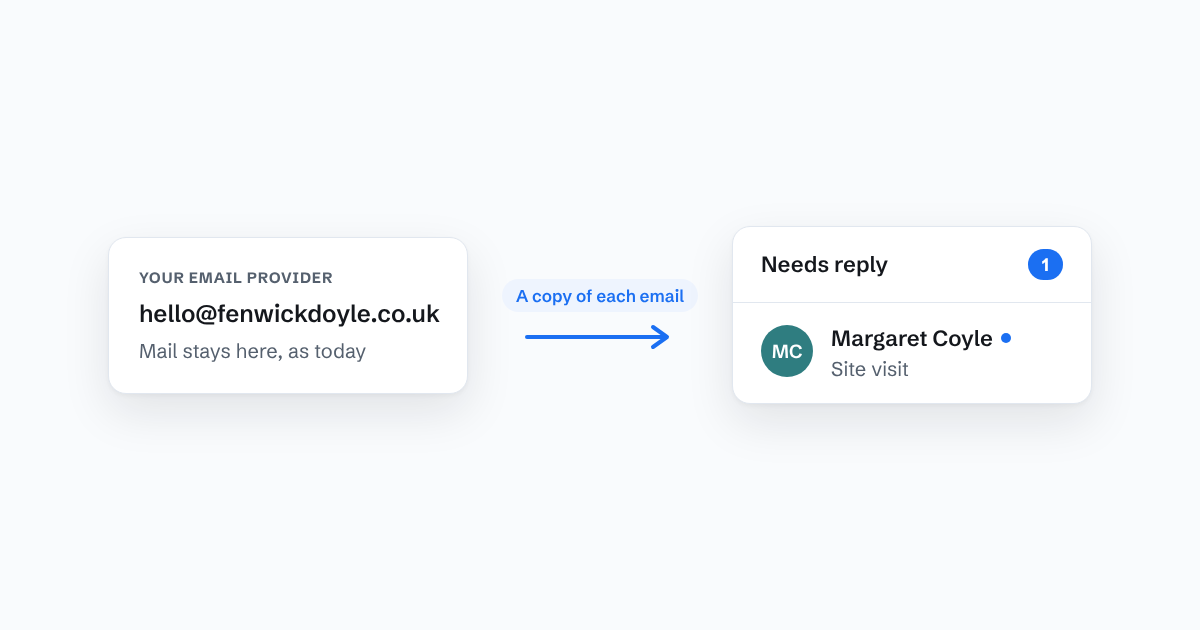
Bring your team into one inbox without changing your email address
How forwarding lets a team share hello@ in a new tool while your mail stays exactly where it is, and the three snags worth knowing about first.
-
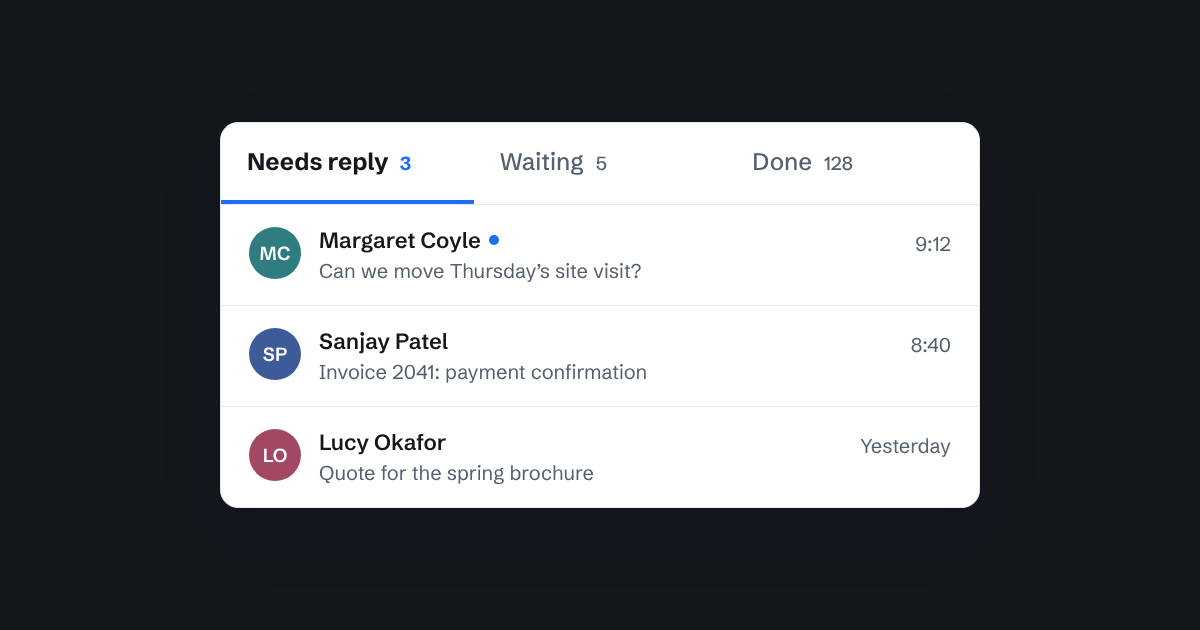
Needs reply, Waiting, Done: a simple way to know what's been answered
Most teams can't say which customer emails still need a reply. Three plain states fix that, without anyone having to tick boxes.
-
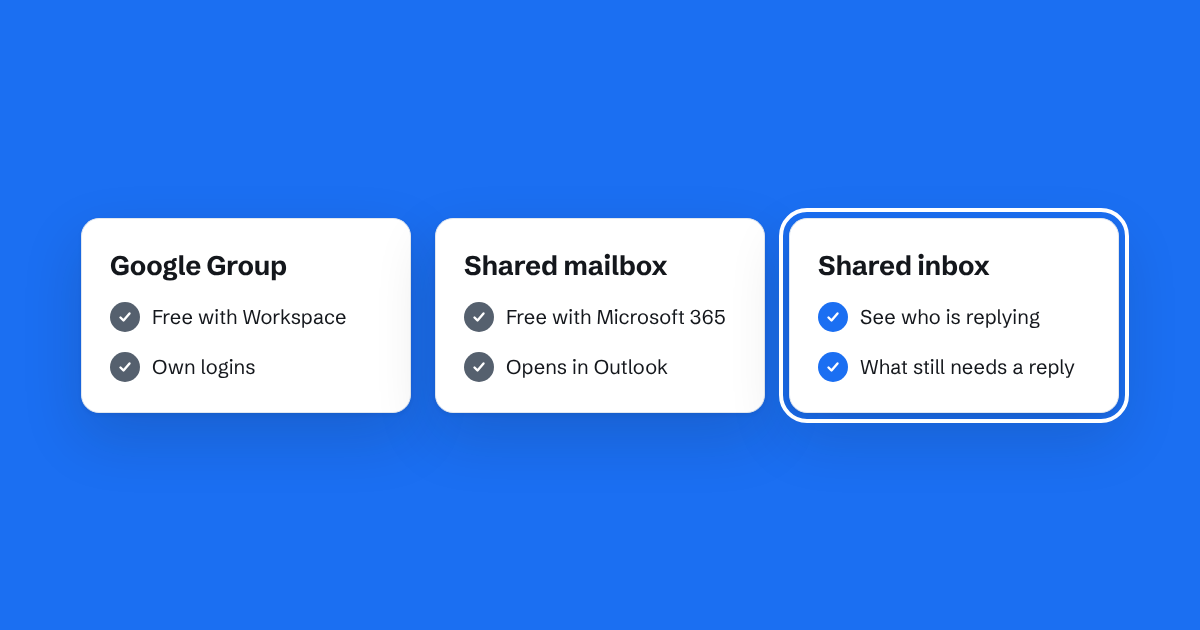
Shared inbox, Google Group or shared mailbox: which suits a small team?
Three common ways for a team to share one email address, what each is good at, and how to choose between them.
-
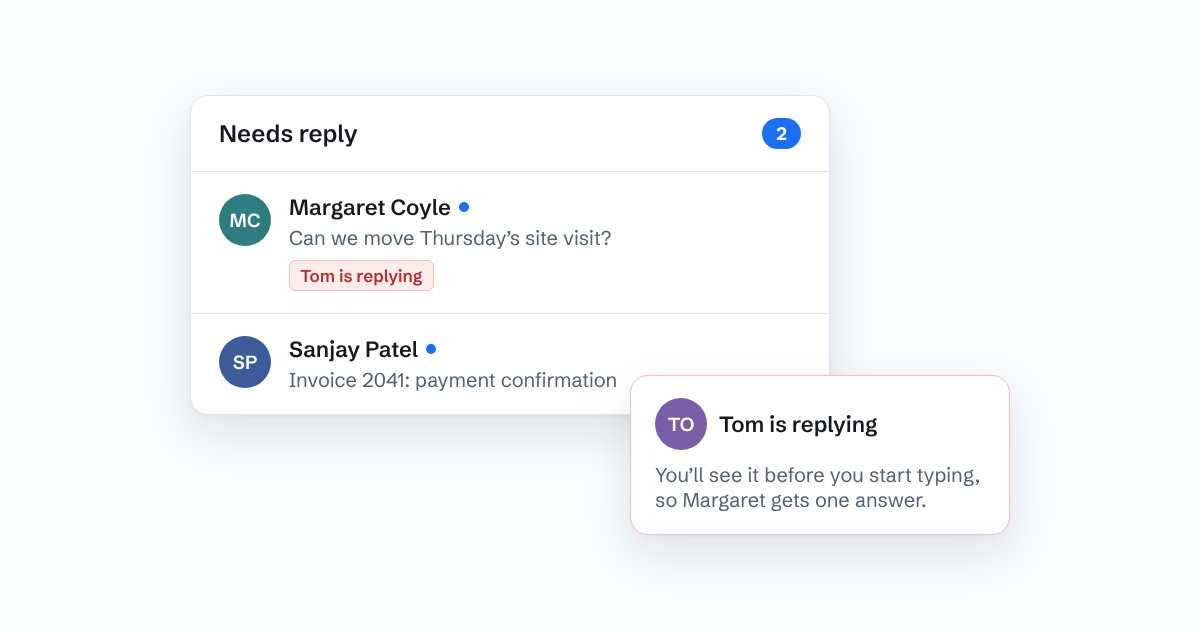
How to stop two people replying to the same email
Double replies make a team look disorganised. Here's why they happen in shared inboxes, and the habits and tools that stop them.
-
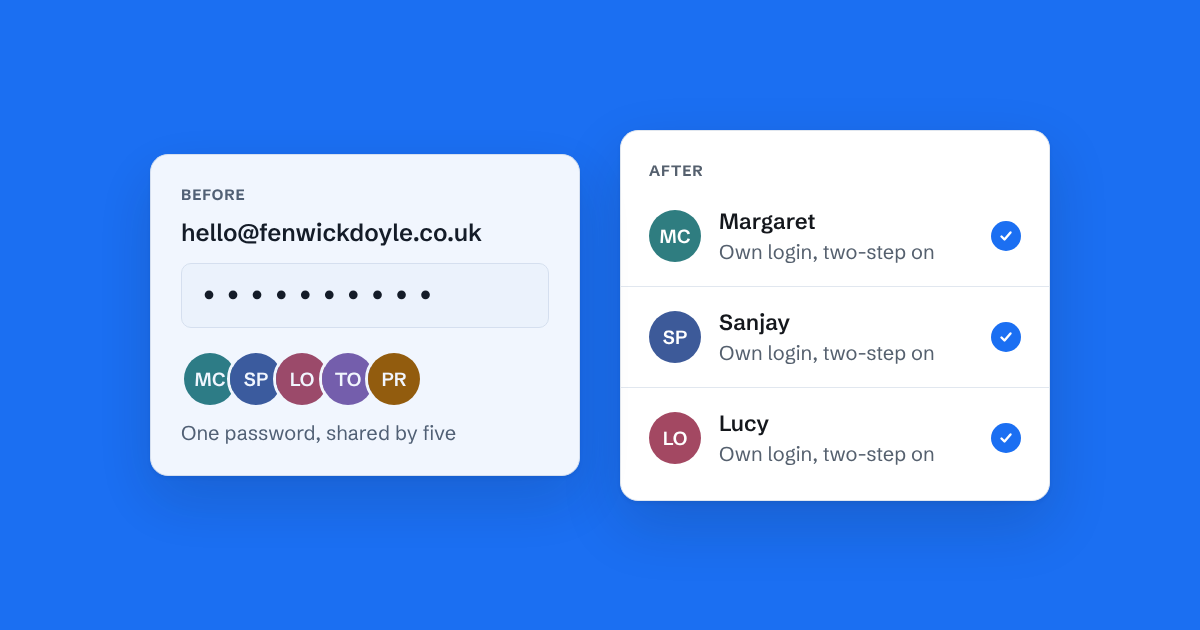
Why a shared email password stops working
Sharing one login for hello@ is how most small teams start. Here's where it goes wrong, and what to do instead.
One inbox for the whole team.
Try Bosun on your real inbox. No card, and one forwarding rule.